|
|||
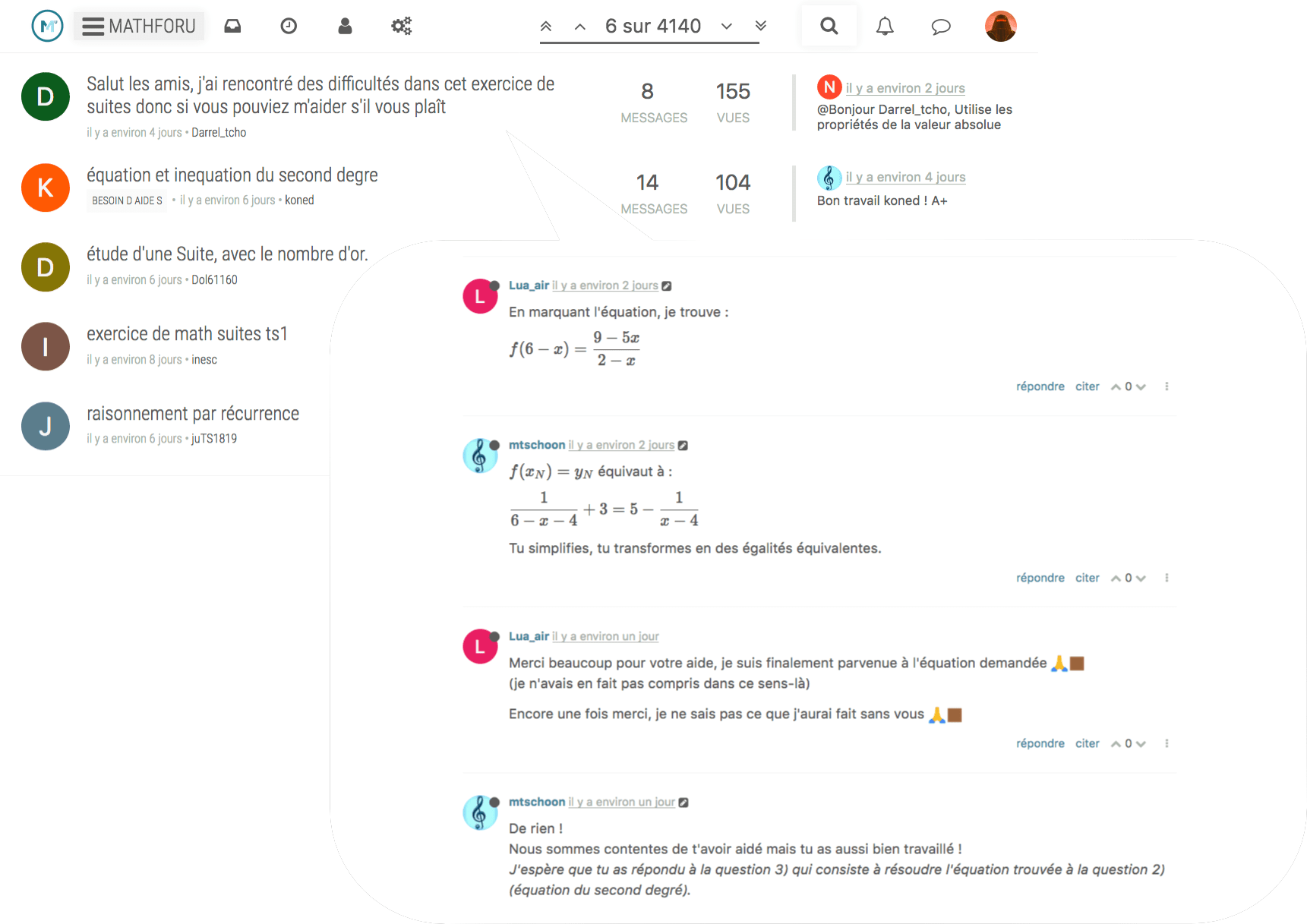
Les maths ont leur forum ! |
|
||
![]() |
![]() |
|
Remerciements
Information sur les auteurs & la licenceRetour à la page principale des auteursAide pour htmlpages version 2.1htmlpages v2.0
Released 07-2004 Purpose ------- Allow static content to exist within the PostNuke framework, to provide a means of using smarty and pnrender components in static content Requirement ----------- It has been tested only on PN v. 0.750 and 0.726 with XTE RC3. This module requires XTE RC3 and the new datase connection method provided as part of XTE RC3 and .750. It will not work in earlier PN releases. Main Features ------------- This module will let you add simple html pages to your site. Upon specifying appropriate permissions, you can let users or groups of users add pages as well. Smarty and pnRender tags and logic may be included in the page's content. Search capability included (thanks to kmccann (Kevin McCann)), html block (include your html in a block), sorting order options in overview table, added printer-friendly page support, bigger title fields, bugs fixed. Installation ------------ 1) Standard regenerate-activate module install. If you don't know what I am talking about read below, otherwise go ahead and activate your module without reading 1-3. 2) Install files into the modules subdirectory of your postnuke root. Make sure directory htmlpages is a direct subdirectory of directory modules 3) Login as admin and go to the admin page. Click on "regenerate" and then on the list look for the row containing "htmlpages" On that row click on "initialize" , and then on "activate". 4) [optional] Delete pnlang/ita if you don't need the italian translation Upgrade ------- Go to the admin page, click on modules, click on regenerate. Look for the htmlpages row, click on upgrade, click on activate Usage/Options ------------- USERS 1) The following link will load a list of pages you can overview http://[your site here]/index.php?module=htmlpages Click on the table columns to sort the page in the column order (title, user id, etc..). Click on the same column to sort in the reverse order. Sorry you can't sort by author username - that's just too difficult to implement. If you have READ authorizations, you will also see links to read each page and links to read the corresponding printer friendly page. With EDIT authorization you will see a link to edit the page. With ADD you will see above the table a link to add a new page. With DELETE permission you will see links to delete a page. 2) The following link displays the page with page ID= x, where x is an integer identifying an existing page (the link above will display page ID's) http://[your site here]/index.php?module=htmlpages&pid=x (replace x at the end of the url with a number) 3) The link to a printer-friendly page is the same as above with also a &print=1 at the end, that is the link to a printer-friendly page with page ID =3 is: http://[your site here]/index.php?module=htmlpages&pid=3&print=1 Note: this will not print the page on your printer. It just displays a page without the postnuke blocks headers and footers. 4) If you have EDIT authorization, you will be able to edit pages (i.e. change title, content, add a link to printer friendly page at the bottom). If you have ADMIN authorization on this module, you will also be able to change the userid of the author of a page. ADMINS The module is pretty self-explanatory. Access the pages overview and click on "add new page". 1) You can set up an html block with the content you put in one page. Just remember the page ID, go to the admin/blocks page, click "new" and look for block type named htmlpages/Show htmlpage in a block 2) Set up permissions so that users can (or cannot) see, create, delete pages. If you kept the Standard postnuke permissions, users and unregistered users will be able to read pages but not add. The permission schema is as follows Component: htmlpages:: Instance : page title::page ID The following are the relevant permissions you can set and what they do NONE users won't be able to even see what are the available pages OVERVIEW users will be able to overview the list of pages and their titles but not to see the pages themselves READ users will be able to overview and see the pages EDIT users will also be able to edit existing pages ADD users will also be able to add new pages DELETE users will also be able to delete existing pages ADMIN users will also be able to change the author of existing pages Permission Examples: 1) Let users add pages: Group Component Instance Permission: _______________________________________________________ users htmlpages:: :: Add 2) Let group dogs read pages with title starting with Dogfood but deny others to know such pages exist. Group Component Instance Permission _______________________________________________________ dogs htmlpages:: Dogfood.*:: Read all groups htmlpages:: Dogfood.*:: None users .* .* Read (the last permission should be there by default) Explanation: you need two permissions to do this, and you need to place them above any generic permissions for users to read pages. Admins will be able to read such pages unless you place these permission above the generic permissions for admins to admin stuff 3) Deny unregistered to read page with ID=9 but allow them to see that this page is available Group Component Instance Permission _______________________________________________________ unregistered htmlpages:: ::8 Overview unregistered .* .* Read (the last permission should be there by default) 4) Let user named snoopy to edit, add and delete pages with title beginning with Bone Group Component Instance Permission _______________________________________________________ snoopy htmlpages:: Bone.*:: Add (notice the use of the regex .* to indicate titles beginning with "Bone") 5) Let user named snoopy to edit, add and delete pages with title beginning with Bone Group Component Instance Permission _______________________________________________________ snoopy htmlpages:: Bone.*:: Add |
|
|||||||||||||||||||||||||||||||||||||||||||||||||||||||||||||||||||||||||||
![]() |
![]() |
|